
Be Brave & Be Kind Foil Print with Heidi Swapp’s Minc Machine
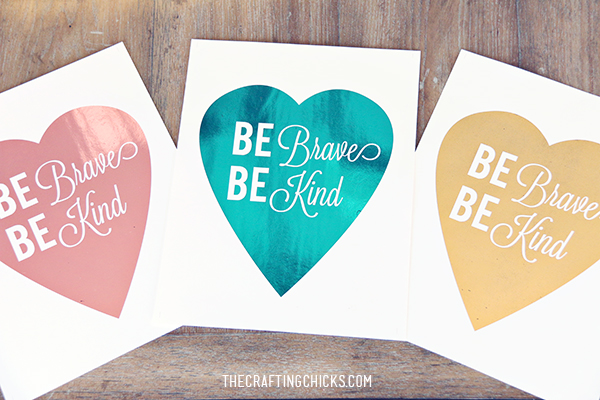
I was so excited to try out Heidi Swapp’s Minc Machine…and see what all the Rage was! Believe me, I can see why everyone is loving it. It takes regular prints to a whole new level. So fancy schmancy. I love the foil look. I was amazed at how many foil colors you can find in Heidi Swapp’s Minc line. Pinks, blues, golds, silvers, and more!
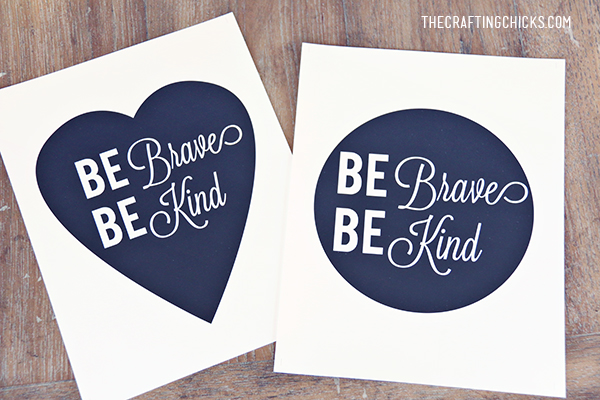

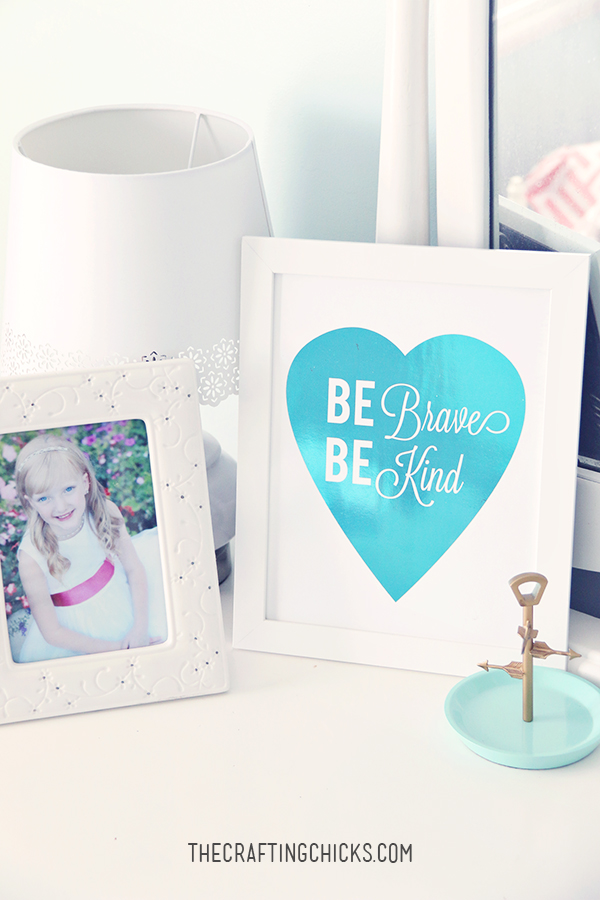
I love the quote from the new Cinderella movie, “Have Courage and Be Kind” I made a spin off to fit my design… “BE KIND & BE BRAVE.” It is such a good reminder. I made these prints for my girls room “Be Brave, Be Kind.” They loving having this message displayed. Using the Minc Machine took the prints from drab to fab.
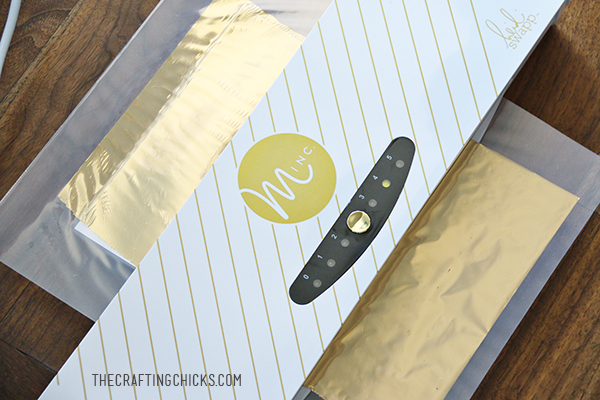
How I used the Minc Machine with my Print: (each machine will come with instructions as well)
- Make sure your print is printed on a laser printer. I have an ink jet printer at home…so I uploaded it to Alphagraphics and it was perfect!
- I used the 4 heat setting for my thicker cardstock print
- Cut your foil. (using good scissors) Use a piece that just covers your print.
- Place your print with the foil on top (picture above), in the protective plastic sleeve
- Run the sleeve through the machine (with folded edge first). You don’t need to push it through. The machine will pull it through slowly.
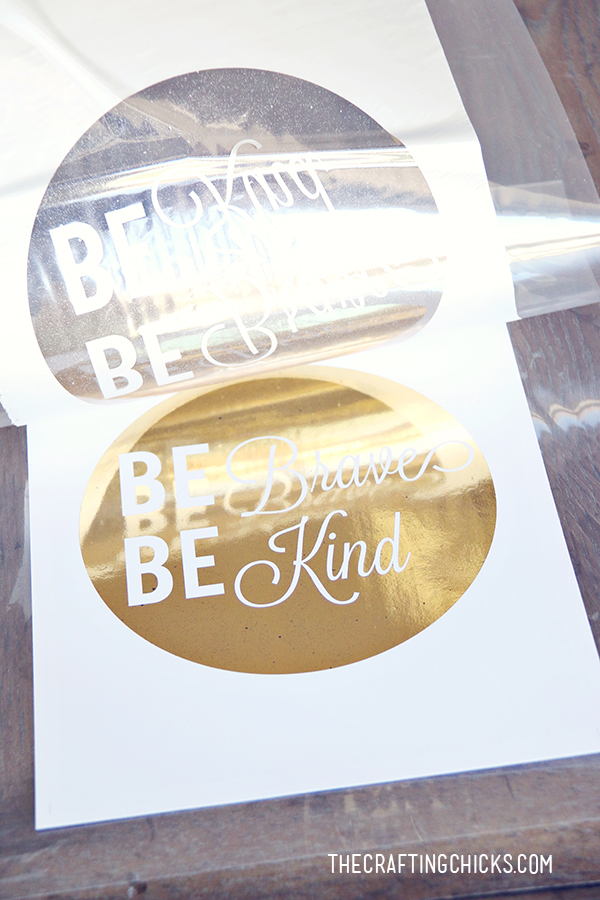
- Now just lift up the sleeve…and it’s like magic! (photo below)
A couple of tips before you use the Minc:
- If you use the foil that comes with the Minc machine, be sure to cut the sticky tab off of the packaging before you pull the foil out. It tends to stick to the foil.
- Make sure you have sharp scissors. Dull scissors don’t cut the foil that well.
- No. 3 heat setting works for most projects. It works well. There is a 0 setting. This setting would allow you to apply pressure to a project, but will not apply heat.
- Once you’ve run a project with toner through the machine, the toner has been heat activated and will not bond with foil on a second pass. Make sure you foil your whole project at the same time. Having said that, you can run unused foil through on a new project.


A few other tidbits about the Minc Machine:
The Minc Foil Applicator and Starter Kit MSRP is $149.00 Minc Foil MSRP is $9.99 (foil is 12”x10’) Minc accessories MSRP from $2.99 to $12.99, and are available at Hobby Lobby, Jo-Ann, as well as locally owned craft stores and online shops.
It is soooo light weight and compact…perfect to store. (19.5″ x 5″)
You can run 12′ wide sheets through the machine:) Each machine has 4 pressure rollers (most laminators have 2), and a heating element that covers the entire 12″ (laminators are heat focused) to evenly distribute the pressure and heat across your print/project.
You can adjust the heat setting on the Minc which allows for foil transfer on sensitive materials…and to more robust material.
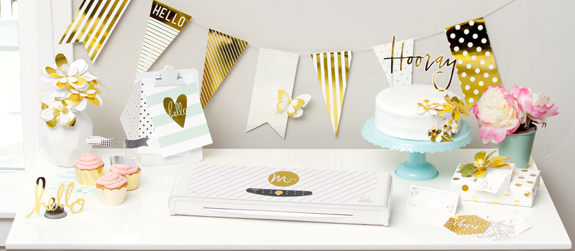
You have to check out all of the other adorable products in Heidi Swapp’s Minc line. You can find Heidi, and follow along on all Minc adventures:
- Facebook http://facebook.com/heidiswapp
- Instagram http://instagram.com/hkswapp
- Pinterest https://www.
pinterest.com/heidiswapp/ - Twitter https://twitter.com/
heidiswapp

You can download my free pritnables. PERSONAL USE ONLY PLEASE. Not for resale or distribution. Our downloads/printables are property of The Crafting Chicks, LLP.





3 Comments